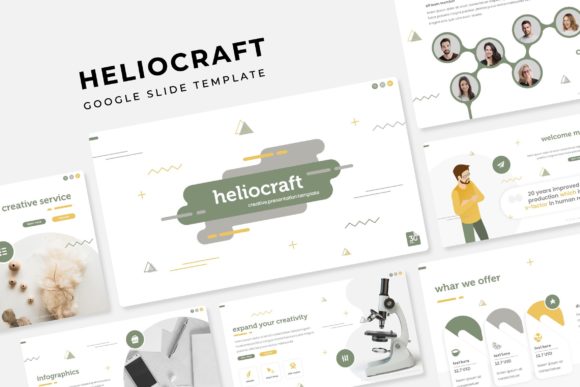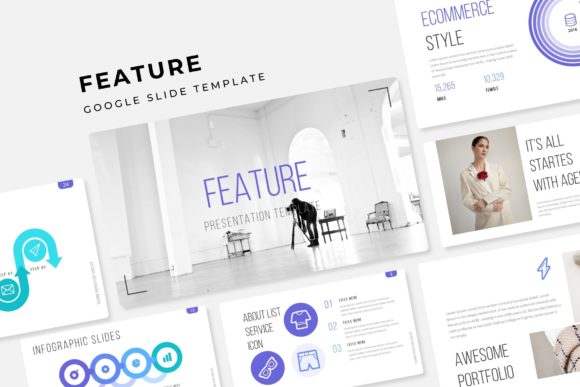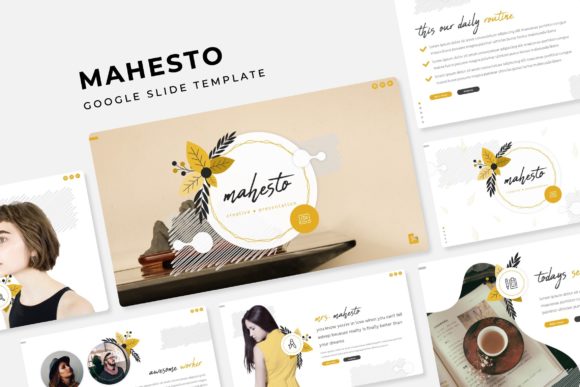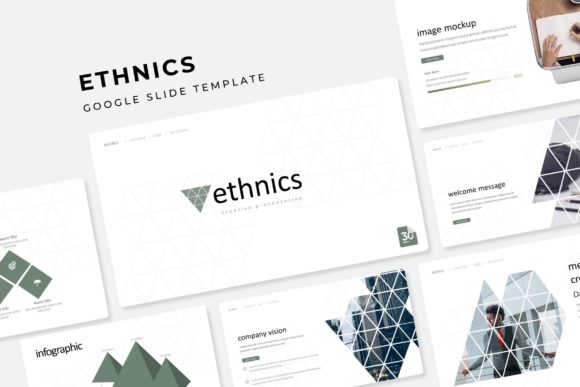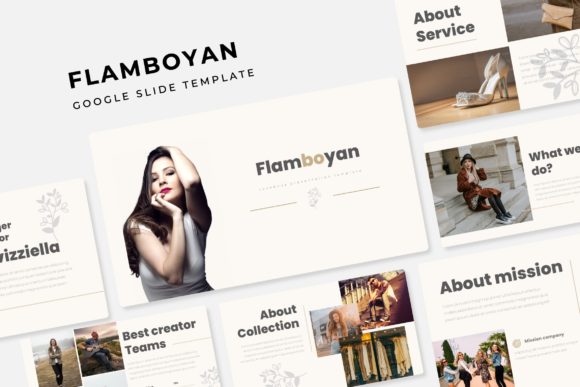
Transform Your Presentations with the Flamboyan Google Slide Template
Standing out in a sea of presentations requires more than just good information; it demands a visual language that captures attention instantly. If you are tired of generic layouts and "death by PowerPoint" aesthetics, the Flamboyan Google Slide Template offers a refreshing solution. It is not merely a set of slides; it is a comprehensive design system built to help entrepreneurs, marketers, and creatives communicate with clarity and style. With over 150 total slides and five distinct color variations, this asset bridges the gap between professional design and user-friendly functionality.
A Visual System Built for Brand Consistency
One of the biggest challenges for small business owners and content creators is maintaining a consistent brand identity across different platforms. You might have a great logo, but if your pitch decks, webinar slides, and internal training materials look disjointed, it dilutes your brand message. The Flamboyan template solves this by offering 5 premade color schemes, with 30 slides dedicated to each palette. This allows you to select the colorway that best matches your existing brand guidelines or use the variations to differentiate between specific departments or project types.
Because the template is based on Master Slides, making global changes is effortless. If you decide to tweak a font or shift a background color, you can do it once, and the changes propagate throughout the entire presentation. This level of control is usually reserved for advanced design software, but Flamboyan brings it to the accessible interface of Google Slides and PowerPoint.
Beyond Text: The Power of Handcrafted Infographics
Data visualization is often where presentations fall flat. A wall of numbers can bore an audience, but a poorly designed chart can confuse them. The inclusion of handcrafted infographics in this template set is a game-changer for marketers and educators alike. These are not generic clip-art charts; they are designed to tell a story.
Whether you are breaking down quarterly sales figures, outlining a complex workflow for a client, or explaining a step-by-step process to your team, these graphics provide the visual context needed to make information stick. The designs are pixel-perfect, ensuring that even when projected on a large screen, your visuals remain crisp and professional. This attention to detail helps build trust with your audience, signaling that you care about the quality of your delivery.
Practicality Meets Modern Design
For the busy entrepreneur or creative director, time is a non-renewable resource. The Flamboyan template is designed with efficiency in mind. The resizable and editable graphic picture placeholders utilize a drag-and-drop functionality that streamlines the creation process. You don't need to be a graphic design expert to crop images into perfect circles or fit photos into complex shapes; the template does the heavy lifting.
Furthermore, the inclusion of Section Break Slides allows you to organize your narrative effectively. Whether you are running a workshop, pitching investors, or presenting a portfolio, these breaks help the audience mentally reset and prepare for the next topic. The Gallery and Portfolio slides are specifically optimized for visual-heavy content, making them ideal for photographers, interior designers, or agencies looking to showcase past work without cluttering the screen.
Optimizing Your Workflow and Assets
Adopting a high-quality template like this is an investment in your operational efficiency. By utilizing the 5 PPTX files included in the package, you can work natively in PowerPoint or import them into Google Slides depending on your team’s preference. The files are structured in widescreen format, which is the current standard for modern displays and projectors.
When preparing your presentation, remember that the template is a canvas, not a cage. While the pixel-perfect illustrations provide a strong starting point, you should always customize the content to fit your specific voice. Here are a few tips to maximize the impact of your new design assets:
- Typography Pairing: While the template comes with specific font recommendations (with free download links included in the Readme file), feel free to experiment with your brand’s primary typeface. Ensure you maintain a hierarchy between headers and body text for readability.
- Image Selection: The preview images are for illustration only, meaning you have the freedom to insert your own high-resolution photography. Use authentic images of your team or products rather than generic stock photos to foster a genuine connection with your viewers.
- Color Psychology: If the five premade colors don't quite hit the mark, use the Master Slide editing feature to input your specific Hex codes. This ensures your presentation aligns perfectly with your broader marketing collateral, from your website to your business cards.
Adaptability Across Industries
The versatility of the Flamboyan template makes it suitable for a wide range of applications. A social media manager might use it to present a content strategy to a client, utilizing the infographic slides to visualize engagement metrics. A non-profit organization could leverage the clean layouts for a fundraising gala presentation, using the portfolio section to highlight success stories.
Even for personal use, such as planning a wedding, organizing a community event, or creating a digital product guide, the structure provided by these design assets helps organize thoughts logically. The professional polish of the slides elevates the perceived value of whatever is being presented, turning a simple slideshow into a compelling visual narrative.
Ultimately, the goal of any visual tool is to remove friction between your ideas and your audience's understanding. By combining a robust feature set with aesthetic flexibility, the Flamboyan template provides the foundation you need to present with confidence and authority. It is a practical upgrade for anyone looking to refine their visual communication strategy.