Master Your Presentations with Harnoc's Versatile Slide Design
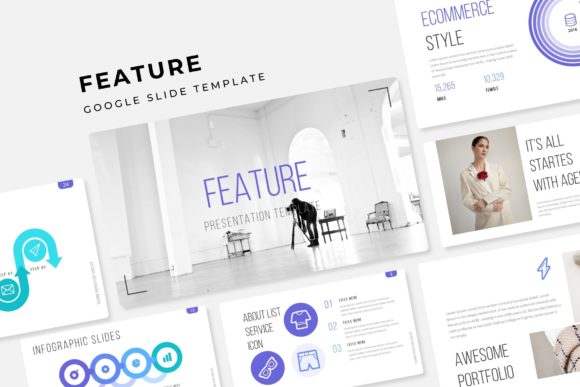
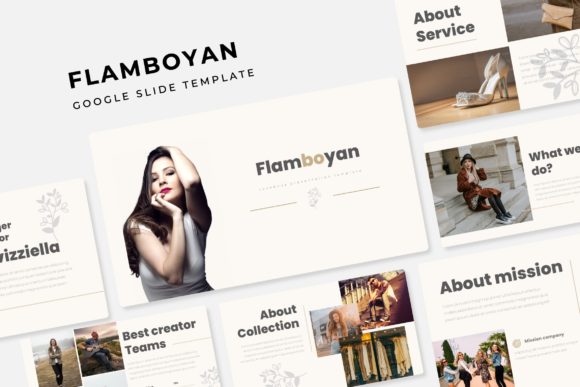
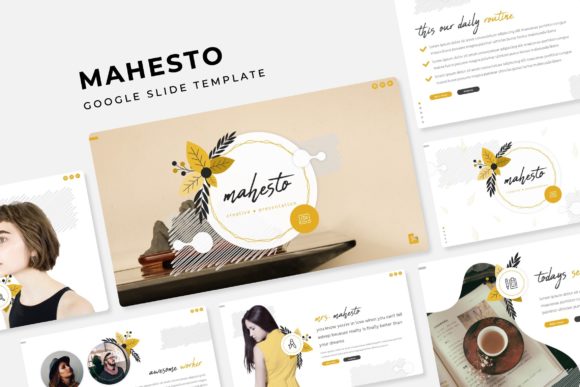
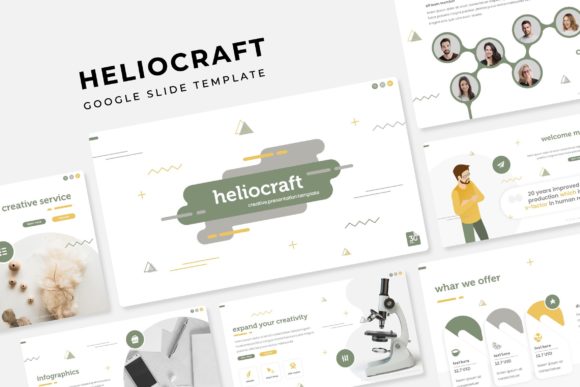
Imagine walking into a pitch meeting, a workshop, or a creative portfolio review with a presentation that doesn't just share information but tells a visual story. The Harnoc Keynote Template is engineered for professionals who refuse to let a generic slideshow dilute their message. It offers a sophisticated framework that balances aesthetic appeal with functional clarity, ensuring your audience remains captivated from the first slide to the last. This isn't just about pretty slides; it's about creating a cohesive visual experience that reinforces your credibility and the quality of your ideas.
A Foundation for Visual Consistency and Brand Recognition
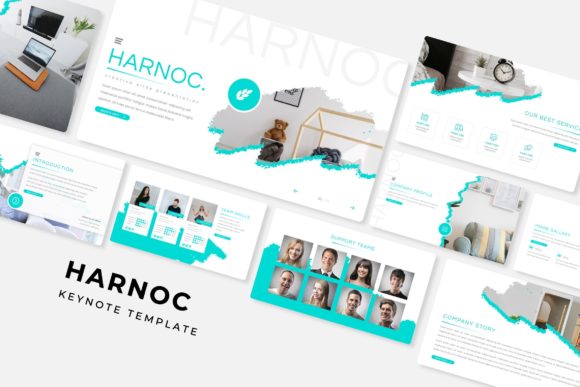
For any entrepreneur, marketer, or designer, maintaining a consistent brand identity across all touchpoints is non-negotiable. The Harnoc template system, with its 150+ total slides and five premade color schemes, provides a robust foundation for this. You're not just getting a single set of slides; you're receiving 30 meticulously designed slides for each of the five color variations. This allows you to select a palette that aligns perfectly with your existing brand guidelines or use the variations to differentiate between topics within a larger presentation series. The pixel-perfect illustrations and handcrafted infographics ensure that every visual element, from a simple chart to a complex process diagram, maintains the same high standard of design. This level of detail builds subconscious trust with your audience, making your content more memorable and impactful.
Practical Applications Beyond the Boardroom
While the primary use is clear—delivering polished presentations—the utility of a comprehensive template like Harnoc extends far into other creative and commercial projects. The resizable and editable graphic elements, combined with drag-and-drop picture placeholders, make it a versatile design asset.
- Brand & Marketing Collateral: Use the infographic slides and section break designs to create standalone graphics for social media, blog post headers, or email newsletter banners. The consistent style helps unify your digital marketing assets.
- Digital Products & Course Materials: If you're an educator, coach, or content creator, you can transform the slides into beautifully formatted worksheets, workbooks, or module summaries for online courses. The clean layout enhances readability for learning materials.
- Portfolio & Case Study Showcases: The dedicated gallery and portfolio slides are perfect for designers, photographers, or agencies looking to present work in a structured, visually engaging manner. It elevates a simple PDF into an interactive experience.
- Print-Ready Designs: Export individual slides or sequences to create high-resolution posters, flyers, or even the interior pages of a lookbook. The master slide system ensures your typography and layout remain consistent when printed.
Streamlining Your Design Workflow
One of the most significant advantages of a well-structured template is the time it saves. The Harnoc Keynote Template is built on master slides, meaning you can make global changes to fonts, colors, and layouts from a single control panel. This is a lifesaver when a last-minute brand color tweak is needed or when adapting a presentation for a different audience. The inclusion of section break slides helps organize your narrative logically, guiding your audience through complex information without causing fatigue. Furthermore, the readme file and included font links (using free fonts) remove the guesswork from setup, allowing you to move from download to creation in minutes, not hours.
Choosing and Adapting Your Visual Framework
Selecting a template is the first step; making it your own is where the real value is unlocked. Start by reviewing all five color variations to see which best resonates with your project's mood—be it corporate, creative, energetic, or minimalist. Don't feel confined to the initial color scheme; the editable graphics allow you to adjust hues to match your specific brand palette. Experiment with the picture placeholders by dragging in your own high-quality images to replace the illustration placeholders, instantly personalizing the deck. Pay close attention to the typography used; while the fonts are included, ensure they are legible at various sizes, especially if you plan to use the designs for both digital screens and printed materials. The goal is to use the Harnoc framework as a springboard for your unique visual communication, not as a rigid cage.
Ultimately, a resource like the Harnoc Keynote Template is an investment in your professional presentation. It provides the polished, professional infrastructure that allows your content and ideas to shine with clarity and impact. By leveraging its structured flexibility, you can ensure that every time you present your work—whether to a client, an audience, or the public—you do so with a level of design sophistication that speaks volumes before you even say a word.