Transform Your Visual Storytelling with the Ethnics Google Slides Template
You’ve got a brilliant idea for a presentation. Maybe it’s a pitch deck for investors, a workshop for your community, or a portfolio to showcase your latest design work. You open up a blank slide and… the cursor blinks back at you. The default layouts feel sterile, the color schemes are uninspired, and you know that a generic presentation won’t do justice to your content. This is where the right design asset can completely shift the dynamic, turning a mundane task into an opportunity for powerful communication.
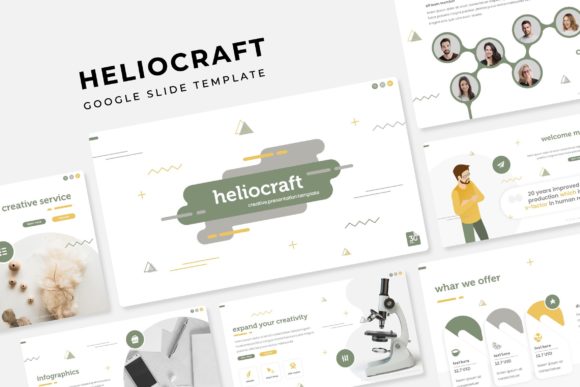
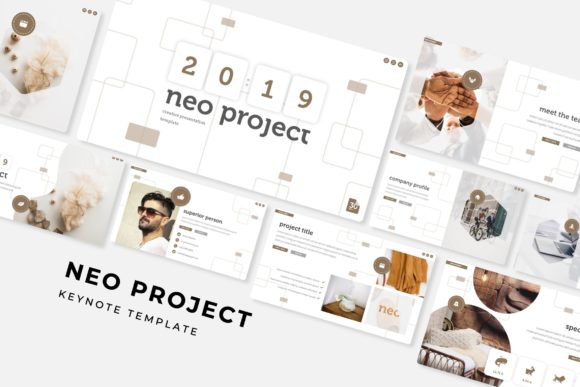
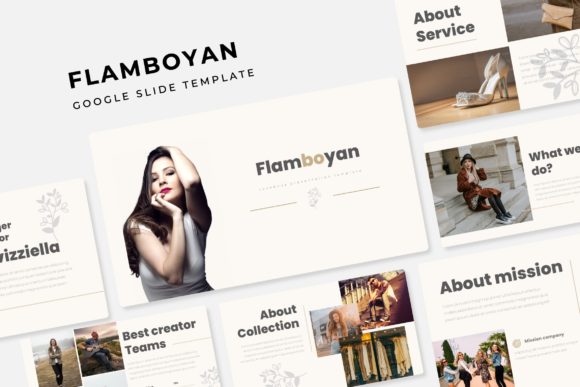
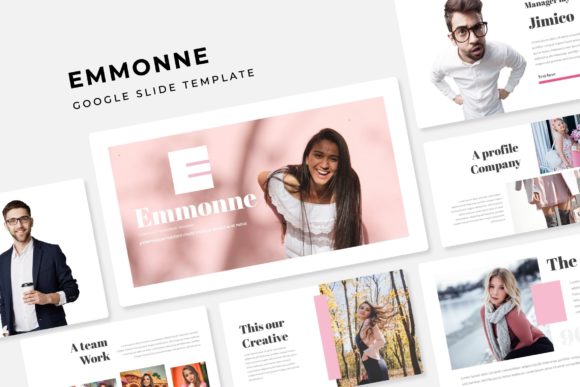
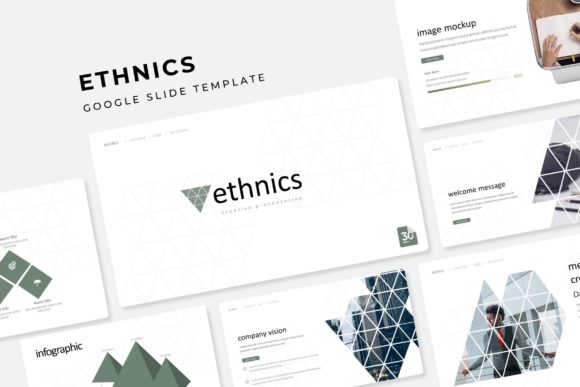
The Ethnics Google Slide Template isn’t just another set of pre-made slides. It’s a comprehensive visual system built for creators, entrepreneurs, and professionals who understand that how you present information is just as important as the information itself. With over 150 total slides across five premade color themes, this template provides a robust foundation for building presentations that are not only visually striking but also functionally seamless. Each of the five color variations offers 30 meticulously crafted slides, giving you the flexibility to match any brand guideline or mood you’re aiming for.
A Visual System Designed for Clarity and Impact
What sets a professional presentation apart from an amateur one? Often, it’s the consistency and intentionality of the visual design. The Ethnics template excels here through its master slide architecture. Every layout, from title pages to data-heavy infographics, is built on master slides. This means that when you apply a change—like updating a logo or adjusting a color accent—it can propagate throughout the entire deck with a few clicks. It’s the kind of backend efficiency that saves hours of tedious manual editing, especially when you’re working under a tight deadline.
But efficiency doesn’t come at the expense of creativity. The template includes handcrafted infographics that transform complex data into digestible, engaging visuals. Instead of pasting a screenshot of a spreadsheet, you can use these custom-designed charts, timelines, and process flows to tell a story with your numbers. The section break slides are particularly useful for segmenting a long presentation into clear chapters, helping your audience mentally reset and follow the narrative arc. For those in creative fields, the gallery and portfolio slides are a standout feature. They’re designed with generous, editable picture placeholders that allow for simple drag-and-drop functionality. You can showcase your photography, product designs, or case study visuals without fighting with alignment or spacing.
Beyond Slides: Applications for Branding and Marketing
While the primary format is Google Slides (with included PPTX files for PowerPoint users), the utility of a premium design template like this extends far beyond a conference room projector. Think of it as a foundational brand asset. The clean, modern typography and balanced layouts can inspire other elements of your visual identity.
For instance, the color palettes and graphic styles within the Ethnics template can be directly translated into your social media graphics. Imagine creating a cohesive Instagram Stories series or LinkedIn carousel that mirrors the professional look of your investor deck. The consistency builds brand recognition across platforms. Similarly, the infographic elements can be isolated and repurposed for blog post illustrations, making complex topics more shareable and engaging for your readers.
Small business owners and entrepreneurs will find immense value in using the template’s structure for packaging design mood boards or merchandise mockups. The gallery slides can serve as a digital lookbook, while the clean layout slides are perfect for presenting product specifications or service menus. Even for personal projects like wedding invitations or community event programs, the template’s versatility allows you to create polished, professional materials without needing advanced design software skills.
Practical Advice for Seamless Integration
Adopting a new template into your workflow requires a bit of strategy to maximize its potential. Here are a few practical tips to get the most out of the Ethnics Google Slide Template:
- Start with the Master Slides: Before you add your own content, take ten minutes to explore the master slide view. Identify which layouts you’ll use most often. If you have a specific brand font, consider setting it in the master slides first to ensure global consistency.
- Customize with Purpose: The five premade color themes are a fantastic starting point, but don’t be afraid to customize them. Use your brand’s primary and secondary colors to replace one of the existing themes. The template is fully resizable and editable, so you can tweak every graphic element to fit your exact needs.
- Focus on the Placeholders: The drag-and-drop picture placeholders are designed to save you time. Instead of manually cropping and sizing every image, simply drag your photo onto the placeholder. The template will automatically crop it to fit the frame perfectly. This is especially useful for creating uniform team pages or product grids.
- Test Your Content Flow: A beautiful template can be undermined by poor content flow. Use the section break slides to create clear transitions between topics. If your presentation is data-heavy, alternate between infographic slides and plain text slides to give your audience’s eyes a rest.
- Leverage the Included Assets: The package comes with readme files and links to free fonts used in the design. Make sure to install these fonts on your computer or Google account to maintain the intended look. This attention to detail is what separates a good presentation from a great one.
Ultimately, the goal of any design asset is to remove friction from the creative process. The Ethnics Google Slide Template does this by providing a professional, adaptable framework that respects both your time and your creative vision. It’s not about forcing your content into a rigid box; it’s about giving your ideas a polished, coherent, and engaging stage on which to perform. Whether you’re closing a deal, educating an audience, or simply sharing your passion, starting with a strong visual foundation makes all the difference.