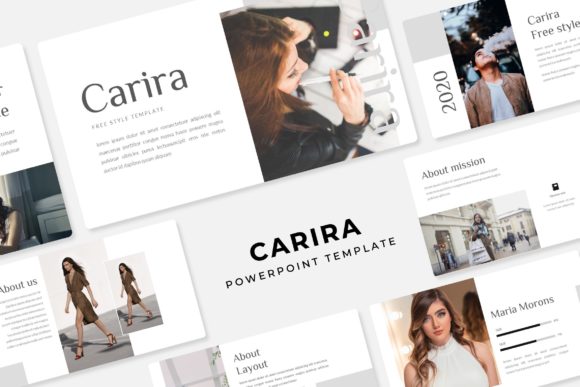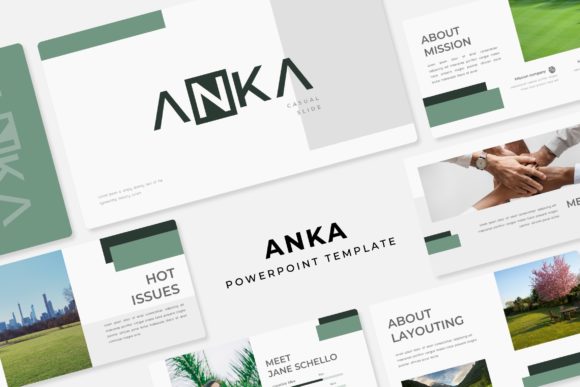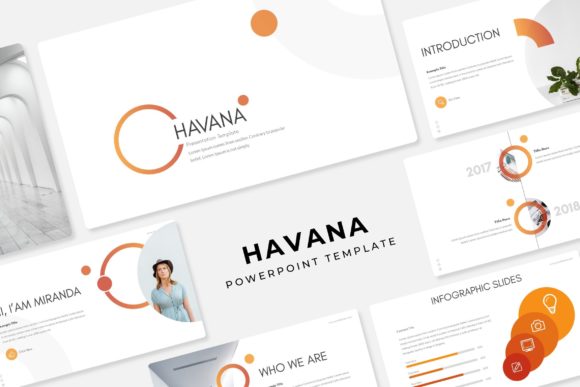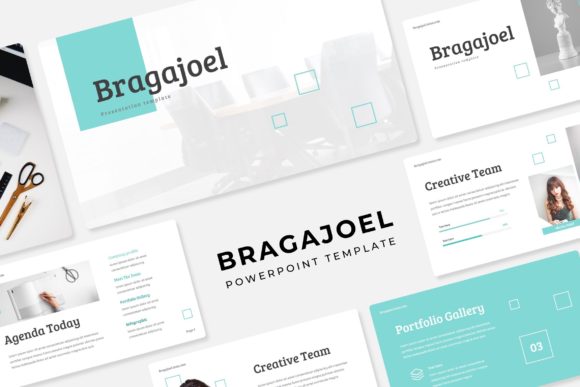
Nakita PowerPoint Template: A Design System for Impactful Presentations
Creating a presentation that truly connects with an audience is a challenge many professionals face. You need more than just data on a slide; you need a visual story that guides viewers through your ideas with clarity and style. The Nakita PowerPoint Template is built with this exact goal in mind, offering a robust design system that goes far beyond simple slide layouts. It provides a cohesive framework for anyone from entrepreneurs to marketing teams to build presentations that are not only informative but also visually compelling and on-brand.
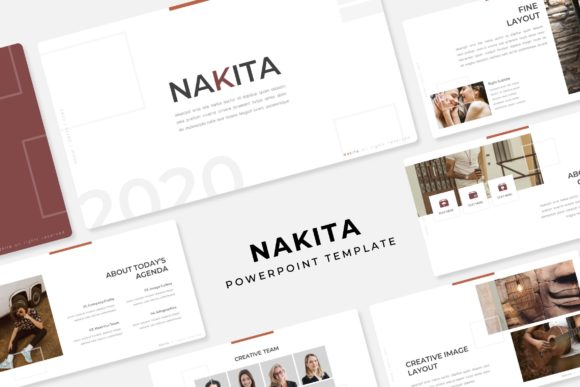
What sets this template apart is its structured yet flexible approach. Instead of a single set of slides, Nakita delivers a complete toolkit with 150+ total slides organized across five premade color themes. Each color variation contains 30 meticulously crafted slides, giving you a versatile palette to match any brand identity or project mood. This system ensures visual consistency from start to finish, which is crucial for maintaining a professional and polished look throughout your entire presentation.
A Foundation Built for Visual Storytelling
The true strength of a presentation template lies in its ability to communicate complex information simply. Nakita excels here with its handcrafted infographics and dedicated section break slides. These elements are designed to transform dry statistics and lengthy paragraphs into engaging visual narratives. A well-placed infographic can make a quarterly report digestible, while a strategic section break slide provides a mental pause for your audience, signaling a shift in topic and keeping them engaged.
For those showcasing work, the inclusion of gallery and portfolio slides is invaluable. Whether you're a designer presenting a client project, a photographer displaying your portfolio, or a business owner highlighting product features, these slides offer a clean, professional canvas. The drag-and-drop picture placeholder functionality simplifies the process further, allowing you to insert your own high-resolution images directly into pre-formatted frames without struggling with alignment or sizing. This user-friendly feature saves significant time and ensures every image looks pixel-perfect.
Practical Applications Across Industries
The utility of a well-designed PowerPoint template extends into numerous professional scenarios. For a small business owner, Nakita can be the cornerstone of a compelling investor pitch, a detailed sales proposal, or a training manual for new hires. The consistent branding across all slides reinforces your company's identity, making every touchpoint feel intentional and professional.
Marketing teams and content creators will find immense value in using the template for campaign briefs, social media strategy decks, or webinar presentations. The modern typography and clean layouts provide a strong foundation for presenting marketing assets and brand guidelines. Similarly, educators and bloggers can leverage the structure to create engaging lesson plans or media kits that hold an audience's attention. The template’s design principles—clear hierarchy, ample white space, and balanced compositions—are fundamental to effective visual communication, regardless of the industry.
Design Flexibility and Customization
A key consideration for any design asset is how well it adapts to your specific needs. Nakita is built on master slides, a feature that empowers you to make global changes efficiently. If you decide to adjust a font style or color accent, you can do so once in the master slide, and the change will propagate throughout your entire presentation. This ensures brand consistency and saves you from the tedious task of editing each slide individually.
All graphic elements within the template are fully resizable and editable. This means you are not locked into the provided illustrations or icons. You can scale them, recolor them, or replace them entirely to better suit your narrative. This level of customization is what transforms a pre-made template into a unique brand asset. It allows you to infuse your own personality and creative direction into the framework, resulting in a presentation that feels authentically yours rather than generic.
What's Included and How to Get Started
To ensure a seamless experience, the Nakita template package is comprehensive. It includes five PPTX files for standard and widescreen formats, covering all five color themes. A detailed Readme file provides essential instructions, and links to download the free fonts used in the design are included, so you can maintain the intended aesthetic without additional cost.
It's important to note that the preview images and photographs are for illustration only and are not included. This is standard practice, as it allows you to insert your own brand-specific imagery, which is crucial for creating an authentic presentation. Before diving in, a practical tip is to spend time reviewing all the included slide layouts. Familiarize yourself with the types of slides available—from data-driven charts to image-heavy portfolios—so you can plan your content structure effectively from the outset.
Choosing the right visual tools directly impacts how your message is received. A presentation built with a thoughtful, systemized template like Nakita demonstrates attention to detail and respect for your audience's time. It helps improve readability, strengthens brand recognition, and ultimately makes your content more persuasive. Whether you're designing a keynote speech, a client workshop, or an internal report, starting with a strong design foundation allows your ideas to take center stage, supported by professional and engaging visuals.